Personal project · PWA
Converter
A simple PWA I built for fun, to explore React and keep currency and unit conversions in one place.
- My role
- Design & development
- Built with
- Next.js · React · TypeScript · Tailwind CSS · FXRatesAPI
- Project link
- Live project (opens in a new tab)
Why I built it
I wanted an easy way to convert currencies and units without having to search Google every time. It was also a chance to learn: I normally build PWAs with Angular, so I wanted to explore the setup and tools used around a React application. The goal was a small, straightforward app that gets to the point.
What I built
Currency conversion
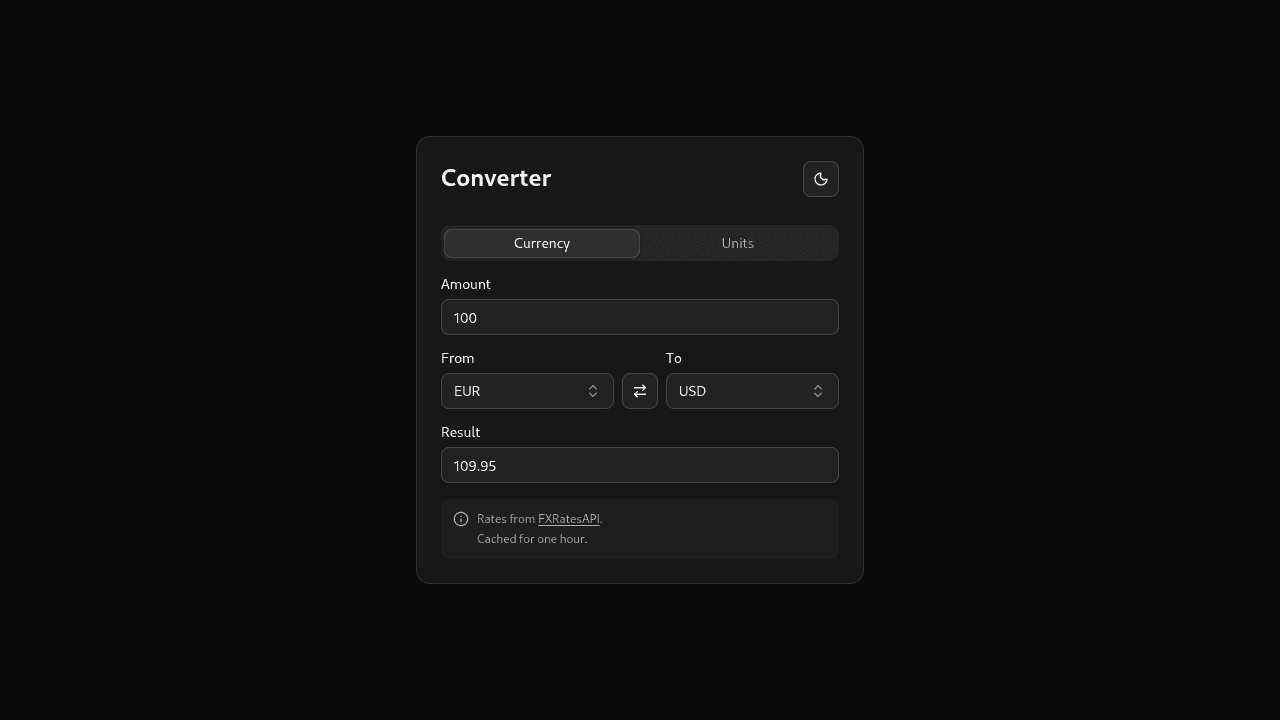
Choose two currencies, enter an amount, and see the converted value immediately. The selectors are searchable, currencies can be swapped, and either value can be edited to calculate in the other direction.
Unit conversion
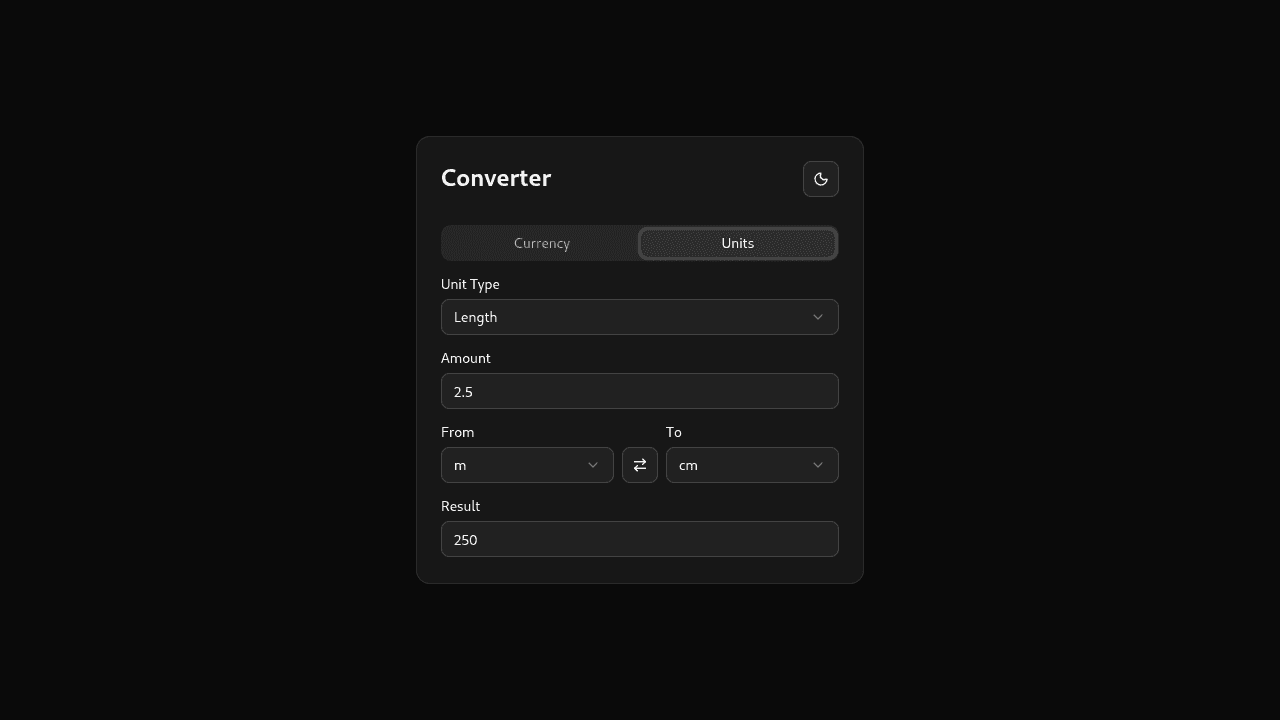
The Units tab uses the same simple layout for length, volume, and weight. Choose a category and two units, then enter a value. These conversions use fixed factors stored in the app, so they do not need an exchange-rate request.
Key decisions
Learn the PWA setup around React
PWAs are not tied to a particular framework. Having mostly worked with them in Angular, I used this project to explore how the setup fits into a React application. The current app includes a web manifest and installation icons; it does not yet have a service worker for offline cold starts.
Get exchange rates from a changing source
The main challenge was currency conversion. Unlike unit conversion factors, exchange rates change, so hard-coding them would not work. I integrated FXRatesAPI to get the rates. The app validates the response, caches successful requests for one hour, and offers a retry if loading fails.
Keep the interface simple
Once the conversion logic and exchange-rate integration were in place, I focused on making the app clean and easy to use. Currency and unit conversion follow a similar layout, and results update without a separate calculate button. The interface stays focused on choosing what to convert and entering a value.
What I learned
This project gave me a practical way to explore building a PWA with React after working mainly with Angular. It also brought together two different kinds of conversion: units with fixed factors, and currencies that depend on external data. With those pieces working, I could focus on the part that mattered most to me: keeping the experience simple and to the point.