Personal project · Interactive 3D
3D Chair
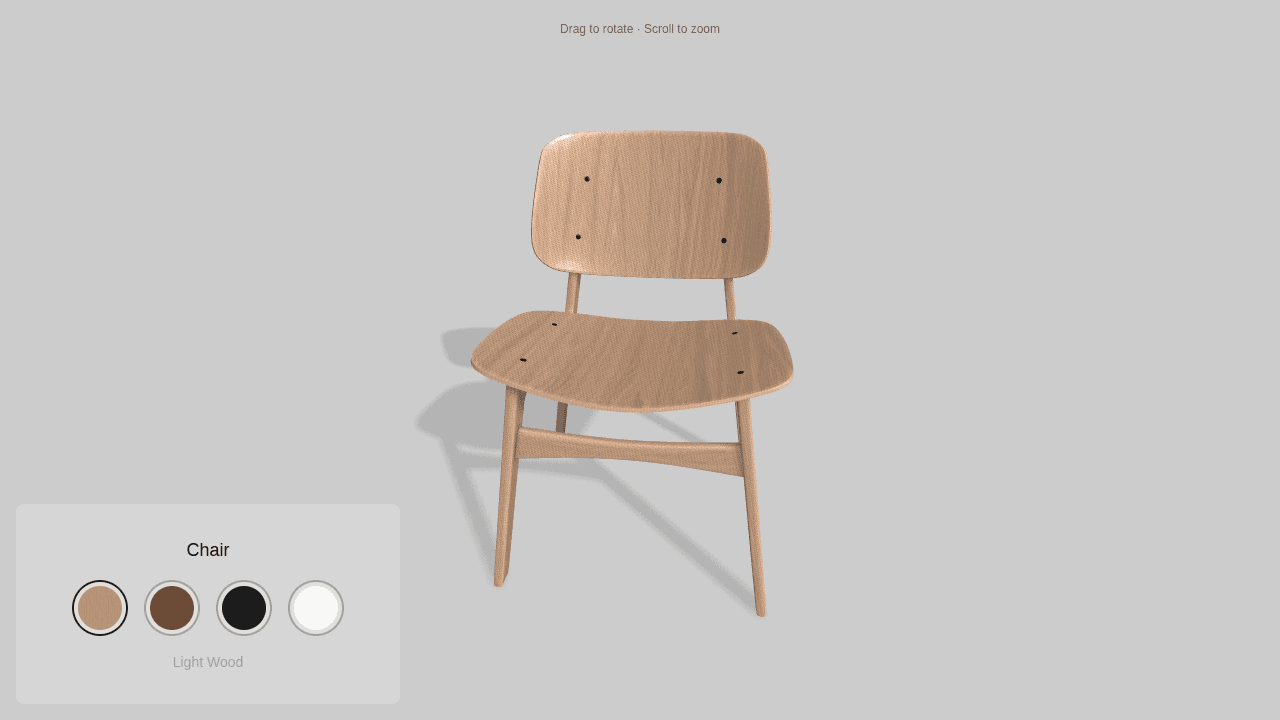
A personal project exploring the full journey from modeling a chair in Blender to building an interactive furniture configurator with Three.js.
- My role
- 3D modeling & web development
- Built with
- Blender · Three.js · JavaScript · GLSL · Vite · Tailwind CSS
- Project link
- Live project (opens in a new tab)
Why I built it
I had already worked on applications that displayed 3D models and was learning through Three.js Journey. I wanted to understand the part before a model reaches the browser, so I decided to learn Blender. I modeled this chair myself while following a YouTube tutorial, then brought it into the kind of project I knew how to build: an interactive application.
What I built
From Blender to the browser
Modeling the chair was the hardest part because Blender was new to me. Following a tutorial gave me a way to learn the modeling process, then use the result in a web application. I also explored how textures are applied and how the model’s texture mapping affects their appearance.
A simple furniture configurator
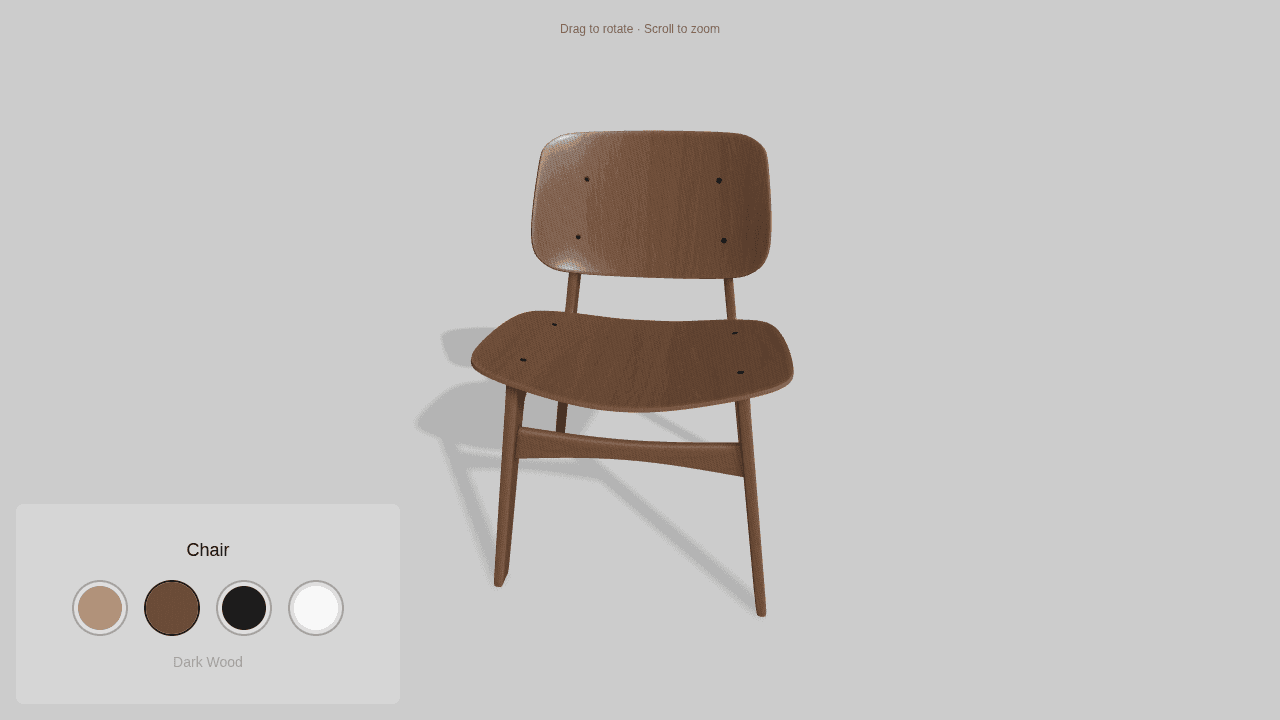
I used the chair to simulate a small product configurator for a furniture company offering the same item in different finishes. Visitors can rotate the chair, zoom in, and choose a material. I kept the interface minimal and worked on the mobile layout so the controls and model fit together on smaller screens.
Key decisions
Understand both sides of the workflow
I wanted more than a model to display. Learning Blender helps me understand the language and decisions of people creating 3D assets, so I can ask better questions about model performance and integration. Going through the process myself was a way to make collaboration with the rest of the team easier.
Make changing materials part of the experience
Experimenting with the texture transition was one of the most enjoyable parts. Instead of switching finishes instantly, I added an expanding reveal to make the change more playful. The shader blends the finish textures while keeping the scene’s lighting and shadows, and skips the animation when reduced motion is requested.
Keep the product and controls clear
The design stays focused on the chair and its material options. A simple selector shows the available finishes, while orbit and zoom let visitors inspect the model. On mobile, the material controls move into a bottom panel and the viewer provides touch-specific interaction hints.
What I learned
The project connected my experience building interactive applications with a new skill: creating the model that goes into them. It gave me a better understanding of modeling, texture mapping, and the questions involved in bringing 3D assets into a product. It is a personal experiment rather than a client delivery, but the furniture configurator format gave the learning a practical context.